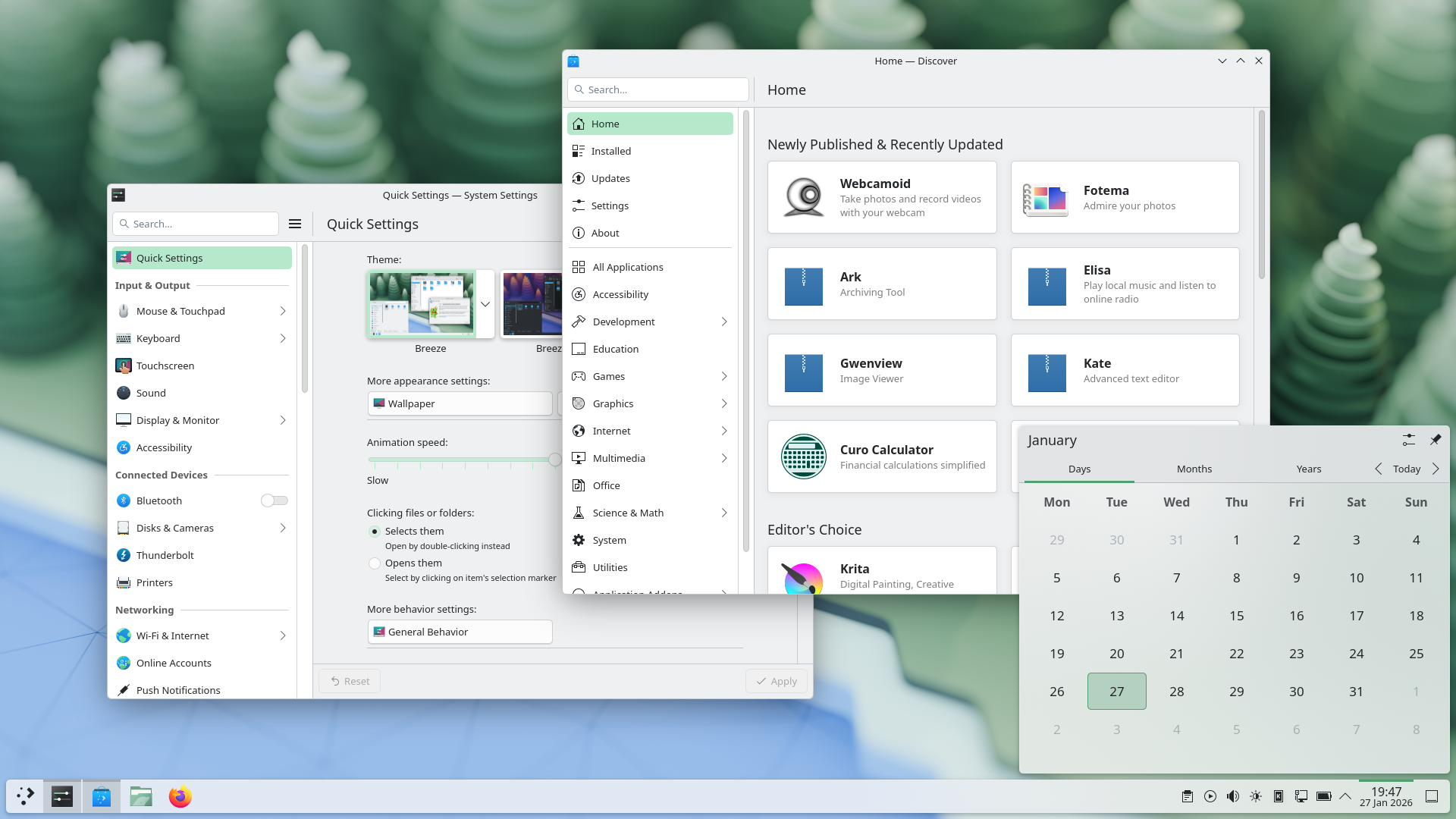

KDE Plasma 6.7.0 is Finally Fixing the Worst Part of Linux: Printing
Written by Abdul Alim (Follow me on X: @CrazzyAlim)
If you’ve spent any time on Linux, you know that “printers” are often the final boss of hardware compatibility. But as I saw in a recent XDA Developers report, the KDE team is about to make our lives a whole lot easier. My name is Abdul Alim, and in this breakdown of KDE Plasma 6.7.0 Printer Management, we’re looking at how the “This Week in Plasma” updates are transforming the desktop experience into something truly professional.
I’ve been tracking these changes closely on X (@CrazzyAlim), and the shift from version 6.6 to 6.7 is bringing more than just bug fixes—it’s bringing a complete overhaul of how we visualize our hardware. Let’s dive into why version 6.7.0 might be the most “enterprise-ready” release yet.
A Full-Featured Viewer: No More Legacy Dialogs
The headline feature for KDE Plasma 6.7.0 Printer Management is the replacement of the old, clunky print queue dialog. In its place is a brand-new, comprehensive Print Queue Viewer application.
Why does this matter?
- Multi-Queue Visualization: You can now see the status of multiple printers—both local and network-connected—in a single, unified interactive graph.
- Enterprise Scaling: While the common user with one printer gets a clean, simple experience, those in office environments with a dozen queues finally have the tools to manage them properly.
- Smart Reporting: Building on the fixes in 6.6 (like the infamous waste toner box error), 6.7 adds a dedicated UI for configuring shared printers on Windows networks.
Master Linux Administration with StudyHelper.io
Managing a Linux desktop is a skill, and StudyHelper.io is here to help you master it. Whether you’re a sysadmin or a hobbyist, I built this platform to turn complex technical shifts into easy-to-digest study material. Here’s how you can use it:
- 📺 Linux Tutorials to Study Guides: Paste any KDE setup video or technical conference talk to get instant, searchable notes.
- 🎙️ Generate Podcasts: Convert long changelogs and Linux news articles (like this one!) into high-quality podcasts for your daily commute.
- 📓 Visual Note Taking: Snap a photo of your terminal commands or printer config files and let our AI organize them into a structured database.
- 🧠 Skill Quizzes: Test your knowledge of the latest KDE Plasma features to ensure you’re getting the most out of your OS.
Start your learning journey today at StudyHelper.io.
Beyond Printing: What Else is Coming?
While printer management is the star, KDE Plasma 6.7.0 is packing several other quality-of-life updates that I’m excited about:
- Improved Overview Effect: You can now switch virtual desktops by scrolling or using Page Up/Page Down while in the overview.
- Display Scaling Logic: No more blurry text. The system will now round scaling factors (like 100.2% to 100%) to prioritize visual fidelity.
- Binary Unit Respect: The system monitor will finally respect your choice between GB and GiB consistently across all widgets.
- Wayland Enhancements: Optional stylus pointer synchronization with your mouse—a massive win for tablet users.
Frequently Asked Questions (FAQ)
Q: When will KDE Plasma 6.7.0 be released?
A: Following the stable release of 6.6, developers are currently focused on 6.7, with a release expected in the coming months of 2026.
Q: Will these printer changes work on my existing Linux distro?
A: Yes, once your distribution (like Fedora, Arch, or KDE Neon) updates to the 6.7.0 Plasma desktop environment, you will see these features.
Final Verdict: The Best Desktop Just Got Better
The KDE Plasma 6.7.0 Printer Management update is proof that the FOSS community is listening to user frustrations. By replacing legacy code with a modern, visual application, KDE is making the desktop experience feel “finished.” Follow me on LinkedIn for more Linux deep-dives.
Don’t forget to use StudyHelper.io to stay ahead of the curve as the AI and Linux ecosystems evolve!
Stay open-source,
Abdul Alim

Leave a Comment